
How to Label Moving Boxes So You Can Find Anything (Numbers, Colours and QR Codes)
"Kitchen" written on the top of forty boxes is not a labelling system. It tells the movers roughly where a box goes and tells you almost nothing when you are looking for the kettle at 11 pm on the first night. A good system answers two questions fast: where does this box go? and what is inside it?
Here is a system that answers both, in the order you should set it up.
1. Number every box
Give each box a unique number and write it big. Numbers do three jobs words can't: you can count boxes on and off the truck ("we loaded 38, we have 37"), you can refer to a box in a list ("chargers → box 4"), and two boxes of "books" are no longer interchangeable. Keep the numbers in one list as you pack — that list is your inventory.
2. One colour per room — the room, not the contents
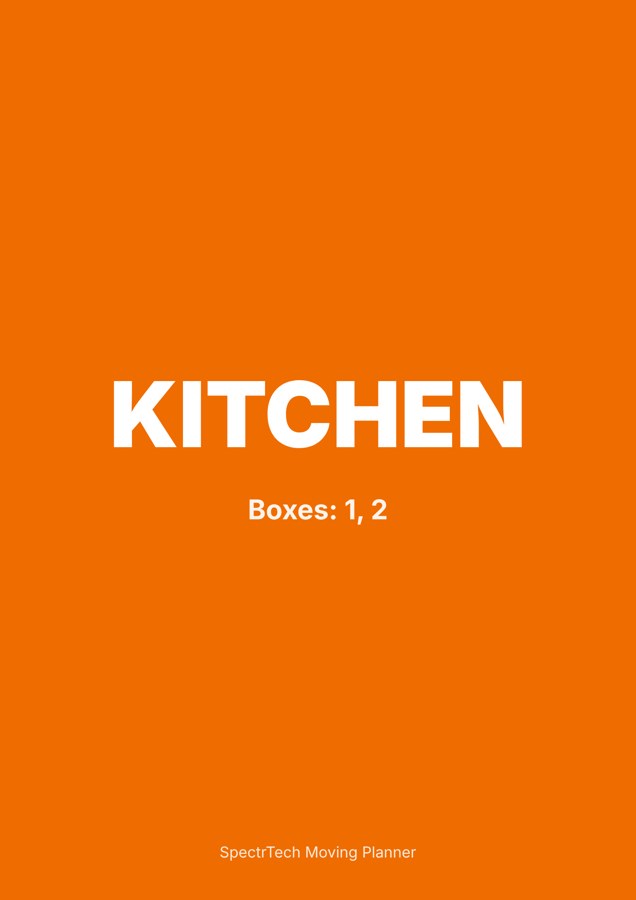
Pick a colour for each room of the new home and use it on every label and on a sign on that room's door. Movers don't read; they match colours. A blue label goes through the door with the blue sign. It matters most when the new layout is different from the old one: the "office" box may be going to a spare bedroom.
3. Label the sides, not the top
Box tops get covered the moment you stack. Put the label on at least one long side — two opposite sides if you can — so it's readable in a stack and on a dolly.
4. Flags that change how a box is handled
- Fragile — glass, ceramics, screens. Pack them tight, never at the bottom of a stack.
- This side up — liquids, plants, anything assembled.
- Heavy — books, tools. Small boxes only; tell the movers.
- Open first — the first-night box: chargers, documents, toilet paper, kettle, medicines, a change of clothes, bedding.
5. The contents list: what goes on the box, and what doesn't
A short list on the label is enough for you, but not enough for the box nobody remembers packing. The trouble is space — a label can hold five lines, a box holds thirty things.
This is where a QR code helps. A QR code can hold several hundred characters of plain text, enough for a full numbered list of a box's contents. Print it on the label; on moving day anyone can point a phone camera at the box and read the list. No app is needed, and because the text is inside the code itself, it works without mobile data.
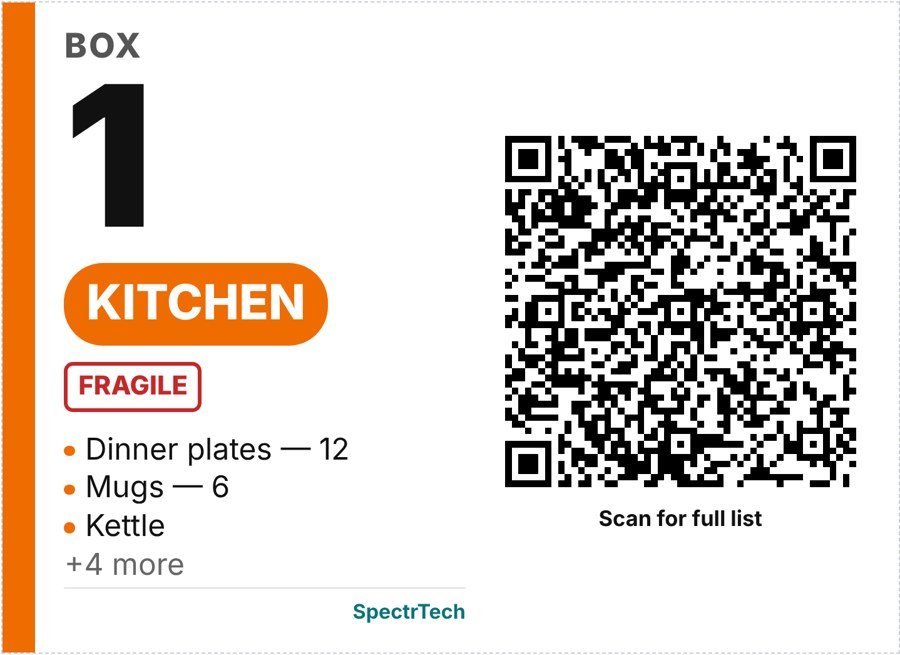
One caution: a label is public. Don't print "jewellery" or "passport" on the outside of a box. Keep valuables in your own list only, and move them with you, not on the truck.
6. Keep the list where you can search it
Whatever you use — a spreadsheet, a notebook, an app — the system only works if you can answer "where is the drill?" in seconds. On the other side, track status: packed, loaded, delivered, unpacked. When the truck is empty, the boxes not marked delivered are the ones to chase.
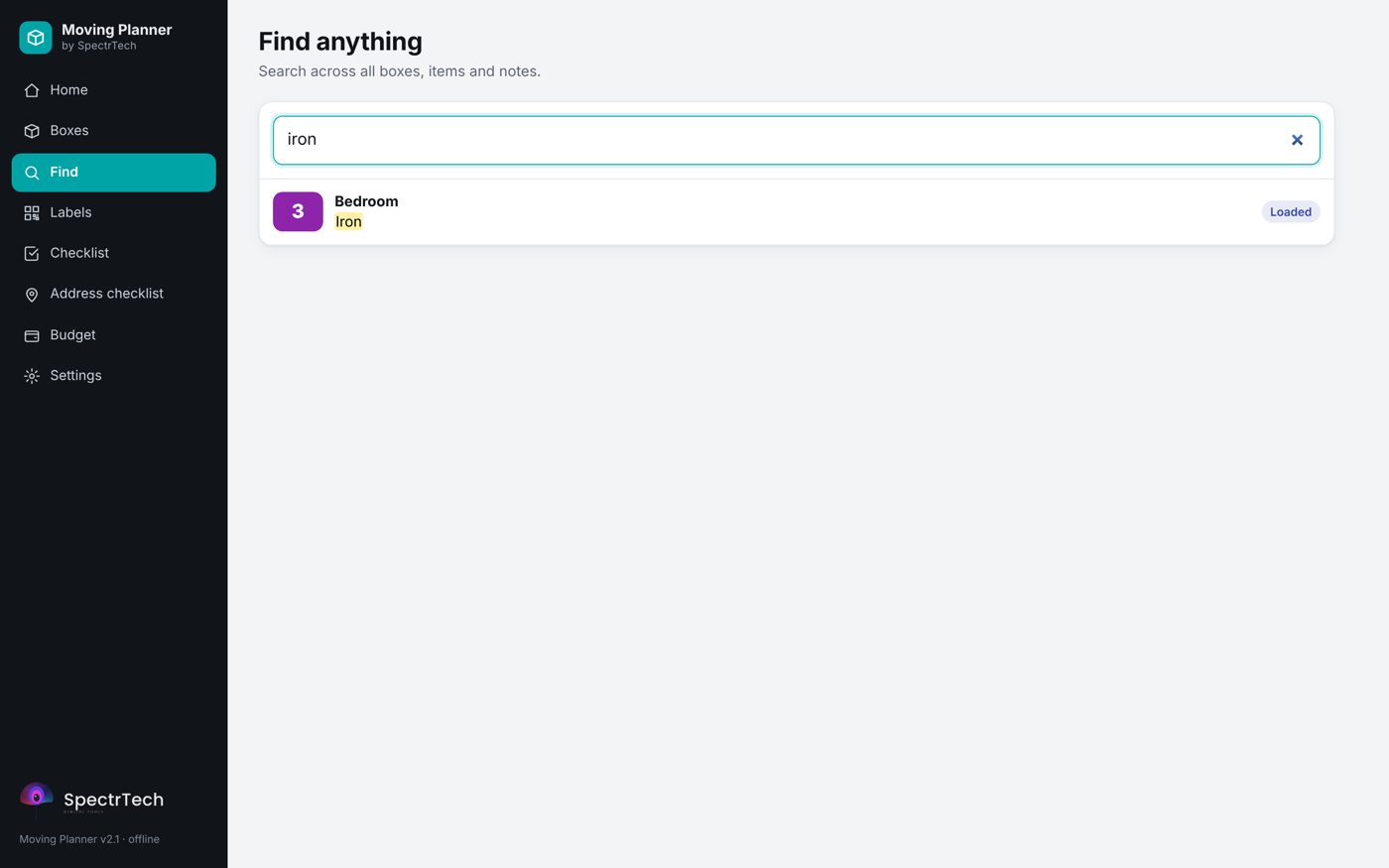
Moving Planner by SpectrTech — box inventory, QR labels, checklist and budget in one offline HTML file. 9 languages, no account, no subscription. $29 one-time.
See the Moving Planner Try the live demo
Quick checklist
- Choose room colours for the new home and print door signs.
- Number every box; keep the inventory as you pack.
- Label two sides; flag Fragile, This side up, Heavy, Open first.
- Put the full list in a QR code or a printed inventory.
- Keep valuables off the labels and with you.
- Track delivered vs missing boxes on the other side.